


Description
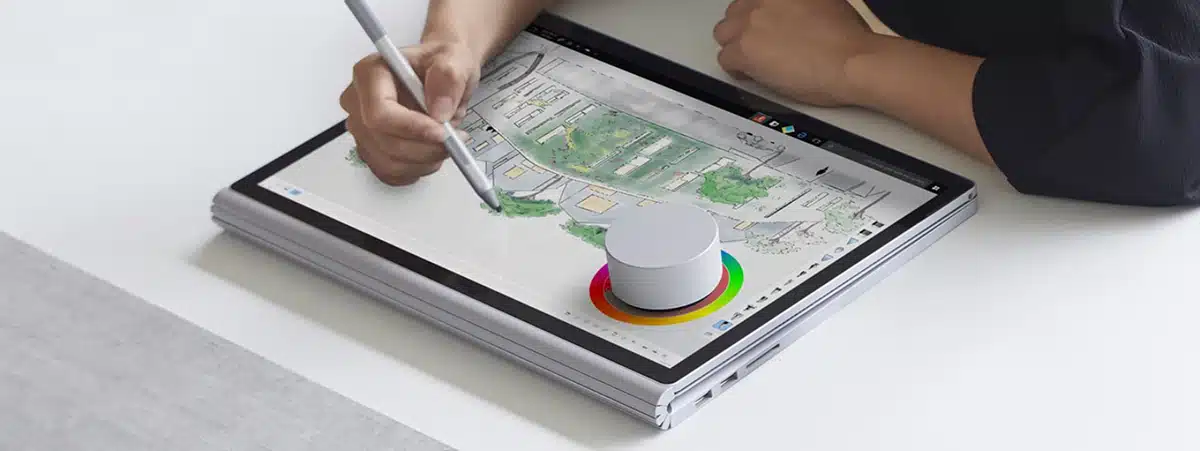
Surface Dial by is a completely new way to interact with technology and create in the most natural, immersive way. Store, customize, access, navigate, and reimagine physical tools in the digital world – from concept to creation
Tech Specs
Exterior |
Casing: Aluminum
Color: Magnesium |
Dimensions |
Dial: 2.32 x 1.18 in (59 x 30 mm) (D x H)
Base: 2.12 x 0.15 in (54 x 4 mm) (D x H) |
Weight |
5.11 oz (145 g) with batteries (2)
|
Battery life |
12 months typical (4-hour daily use)
|
Wireless |
Bluetooth Low Energy
Frequency: 2.40 GHz Range: 6.56 ft (2 m) Capacitive-touchscreen detectable (Studio only) |
Power |
2 AAA alkaline batteries (included)
|
Features |
Compatibility: All Windows 11 Home/Pro / Windows 10 devices*
Press and hold: For menu Rotate: Freely/continuously (both directions); 0.30 N-cm resistance torque Click: Activates a momentary switch with 300 g force; Rotate detection functional in up and down button positions Dynamic feedback: Provides tactile feedback in software adjustable increments On-screen detection: Touch digitizer reports the onscreen location through a capacitive pattern (Studio only) |
Warranty |
1 year
|
Apps |
Bluebeam (Revu)
Drawboard (Drawboard PDF) Mental Canvas (Mental Canvas Player) Silicon Benders (Sketchable) Smith Micro (Moho 12) Spotify (Spotify) Staffpad (StaffPad) Windows (All) Word, PPT, Excel (Office Win32) OneNote (UWP version) Windows Maps Plumbago Sketchpad Groove Music PewPew Shooter Microsoft Photos Paint |
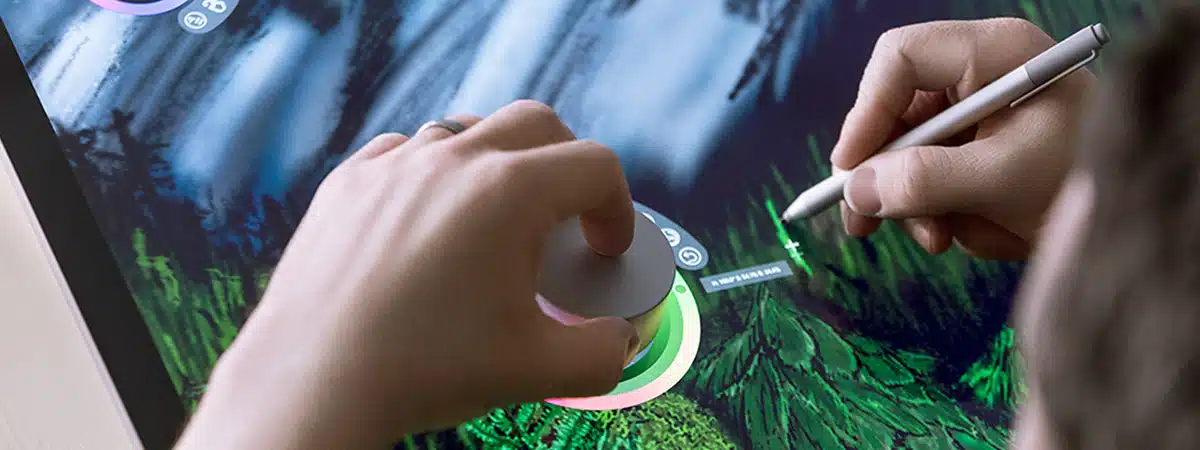
A new tool for the creative process
Surface Dial is a completely new way to interact with technology and create in the most natural, immersive way. Store, customize, access, navigate, and reimagine physical tools in the digital world – from concept to creation.
Transition seamlessly through tasks
Press and hold Surface Dial to display a radial menu of tools, making it easier and faster to do the things you love your way, while supporting your workflow.
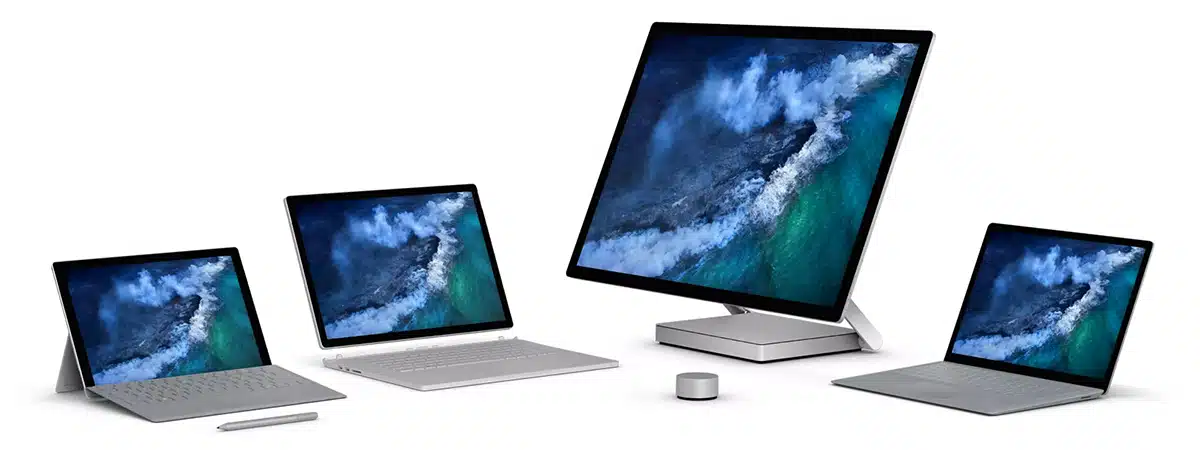
An integral part of the Surface family
Many of the innovative things Surface Dial can do with Surface Studio, Surface Pro, and Surface Book 2 can also be done with Surface Book, Surface Laptop, and Surface Pro 4.
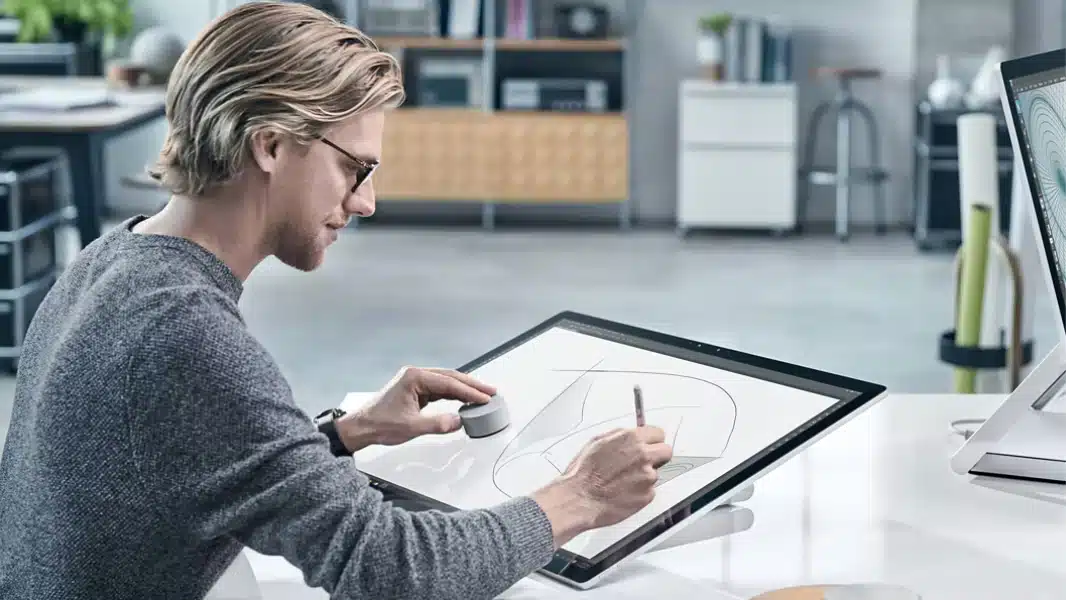
Feel your work
Haptic feedback provides helpful vibrations through the aluminum body into your fingertips, to help you stay in the moment and feel totally in touch with your work.
Surface Dial also works with these apps
Microsoft has all the apps you need to work and play. Watch thinking in action with Ink Replay and Surface Dial in OneNote. Use with Windows Maps to tilt in 3D. Fine-tune scrub through a song in Groove Music.